
In this article:
- What is a Suica card and why do you need one?
- How and where to buy a physical Suica card (2026 status)
- Setting up Mobile Suica on your smartphone
- How to use your Suica card for transit and daily payments
- How to top up and refund your Suica
- Frequently asked questions
Introduction
Getting around Japan is logistically simple once you understand one thing: IC cards run on essentially everything. Trains, buses, taxis, vending machines, convenience stores, some restaurants — the Suica card works across all of them. For a traveler arriving at Narita or Haneda with a week of dense city-hopping ahead, a Suica removes an entire category of friction.
The current situation is more complicated than it was a few years ago. A semiconductor shortage in 2023 led JR East to suspend sales of new physical Suica cards to foreign visitors for an extended period. The restrictions have since been partially lifted, but availability varies. More importantly, for most travelers with a recent iPhone or Android, Mobile Suica — a digital Suica added to Apple Pay or Google Pay — is now the better option anyway. It never runs out of balance at an inconvenient time, can be topped up instantly from your phone, and never gets lost.
This guide covers both routes: physical card and mobile.
What is a Suica Card and Why Do You Need One?
The Benefits of Having an IC Card for Trains, Buses, and Shopping
Suica is a rechargeable contactless IC card issued by JR East. In practical terms, it eliminates the need to buy individual tickets for every train journey — you tap in, tap out, and the correct fare is deducted automatically. On longer journeys between cities you’ll still need a separate Shinkansen ticket, but for everything within a city and on local lines, Suica handles it.
Beyond transit, Suica is accepted at most convenience stores (7-Eleven, Lawson, FamilyMart), many vending machines, and a growing number of taxis and restaurants. Some travelers go days without touching cash.
Where Can You Use It? Suica’s Nationwide Compatibility
Despite being issued by JR East (the Tokyo-region rail operator), Suica works across most of Japan’s IC card network. You can use it in Tokyo, Kyoto, Osaka, Hiroshima, Fukuoka, Sapporo, and most major cities. Rural areas and some smaller private railways are exceptions — always keep a small amount of cash for these situations.
Suica vs. Pasmo: What’s the Difference?
Functionally, almost nothing. Both work on the same network, can be used at the same stores, and charge the same fares. Suica is issued by JR East; Pasmo covers Tokyo Metro and private railways. For most travelers, the choice is irrelevant — use whichever you can get. If you’re setting up a mobile version, Suica’s app tends to have better English support.
How and Where to Buy a Physical Suica Card (2026 Status)
Current Availability of Regular Suica Cards
As of 2026, regular Suica cards (the standard version with a 500 yen refundable deposit) are available again at JR East stations in the Tokyo area after supply stabilized following the 2023 chip shortage. Purchase at green-screen ticket machines at major JR stations — Shinjuku, Shibuya, Tokyo, and Ueno are reliable options. You’ll need to choose between a regular Suica (with deposit, can be topped up indefinitely and used on return trips) or a Welcome Suica.
Verify current availability at jreast.co.jp before your trip, as stock situations can change.
Welcome Suica: The Dedicated IC Card for Tourists
Welcome Suica is sold at Narita Airport (Terminal 1, 2, 3) and Haneda Airport (International Terminal), specifically for foreign visitors. Key differences from a regular Suica:
- No deposit required
- Valid for 28 days from first use
- Cannot be refunded or transferred to Mobile Suica
- Sold in fixed denominations (1,000 / 3,000 / 5,000 yen)
For a trip under four weeks, Welcome Suica is the simplest physical card option. For longer stays or repeat visitors, a regular Suica is worth the 500 yen deposit.
Step-by-Step: Buying a Suica at a Ticket Machine
1. At a JR ticket machine, select “Suica / PASMO” or “IC Card” 2. Select “Issue a new Suica card” 3. Choose an initial charge amount (minimum 1,000 yen, which includes the 500 yen deposit for a regular card — giving you 500 yen usable balance) 4. Pay with cash or credit card (most machines accept Visa/Mastercard) 5. Collect your card — it’s active immediately
The Smart Alternative: How to Set Up Mobile Suica on Your Smartphone
How to Add a Digital Suica to Apple Wallet (iPhone)
For iPhone users (iPhone 8 or later with iOS 16+), adding Suica to Apple Wallet takes about five minutes: 1. Open the Wallet app → tap “+” → search for “Suica” 2. Enter the amount you want to load 3. Pay with Apple Pay (international Visa, Mastercard, and Amex work) 4. The card appears in your Wallet immediately — no waiting, no physical card needed
The digital Suica works identically to the physical version at station gates and stores.
Mobile Suica for Android Users
Android users with Google Pay can add Suica via the Google Wallet app. The process is similar: open Google Wallet, add a new card, search for Suica, select amount, and pay with a saved card. Note that not all Android devices sold outside Japan support Felica (the NFC standard used by Suica) — check your device specifications. Most recent flagship models from Samsung, Google Pixel, and Sony do support it.
Expert Tip
Mobile Suica is genuinely better than a physical card for most travelers. The balance never gets stranded if you leave Japan, you can top up from anywhere in the world, and the card can’t be lost or demagnetized. The only downside: your phone battery is now mission-critical. Keep a portable charger with you on heavy transit days.
How to Top Up Your Mobile Suica Using Credit Cards
Within the Suica app (or directly through Apple/Google Wallet), top-up is straightforward: select your card, choose an amount (500 yen increments), and pay with any saved credit card. Most international Visa, Mastercard, and Amex cards work. JCB and UnionPay may have compatibility issues. If your primary card doesn’t work, try adding a different card to Apple Pay.
How to Use Your Suica Card: Transit and Daily Payments
Passing Through Train Gates and Riding Local Buses
At train stations: touch your card or phone to the reader on entry, walk through, touch again at exit. The fare is calculated automatically based on the distance traveled. If you don’t have enough balance for the journey, you’ll be stopped at the exit — top up at the “fare adjustment” machines just before the exit gate.
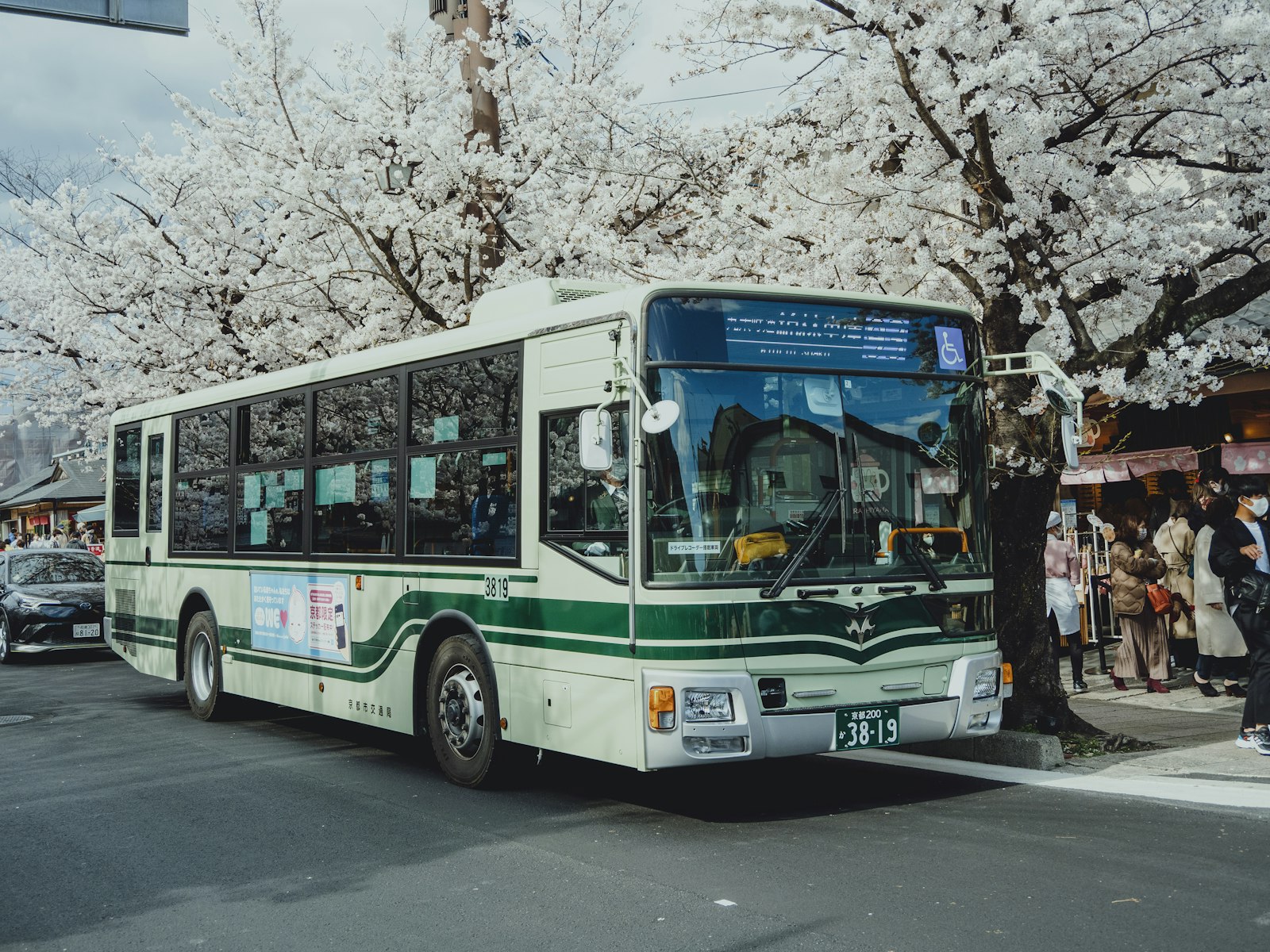
On IC card-compatible buses: touch the reader when boarding (some systems require you to touch again when exiting). The flat or distance-based fare is deducted.
Using Suica at Convenience Stores, Vending Machines, and Restaurants
At a konbini (convenience store), tell the cashier “Suica de” or simply tap your card or phone to the payment terminal when prompted. Most vending machines in cities now have Suica readers — look for the IC card logo. Restaurant use is expanding but not universal; check for the reader at the register before ordering if you’re relying on it.
How to Check Your Remaining Balance
Physical card: insert the card into any green-screen JR ticket machine and select “Balance.” Also displayed at the entry gate each time you tap. Mobile Suica: check in Apple Wallet or Google Wallet — balance updates in real time after each transaction.
How to Top Up and Refund Your Suica
Where to Top Up a Physical Card with Cash
Green-screen ticket machines at any JR station accept cash top-ups in 500 yen increments (minimum 500 yen, maximum 20,000 yen per transaction). Many convenience stores — 7-Eleven, Lawson, FamilyMart — also offer Suica top-up at the register. Simply say “charge” or “chāji” and hand over cash.
Refunds: Welcome Suica vs. Regular Suica
Regular Suica (with deposit): refundable at any JR East green-screen machine. You receive your remaining balance plus the 500 yen deposit, minus a 220 yen handling fee. Welcome Suica: not refundable. Any remaining balance is simply lost when the card expires. Plan your Welcome Suica top-ups conservatively — better to add small amounts frequently than load too much at the start.
Expiration Dates: How Long is Your Suica Valid?
A regular Suica card is valid as long as you use it at least once within 10 years. If the card goes unused for 10 years, it expires and the balance (plus deposit) must be claimed at a JR East station. Welcome Suica expires 28 days from first use. Mobile Suica has no expiration.
Suica Card: Frequently Asked Questions
Can I use my Suica in Kyoto, Osaka, and Hokkaido? Yes. Suica works on most IC card-compatible rail and bus networks across Japan, including Kyoto, Osaka, and Sapporo. A small number of rural lines and some private railways don’t accept it — check before you go if traveling off the main routes.
Can multiple people share one Suica card? No. Each card is for one person — gates only open for one tap at a time.
What should I do if I lose my physical Suica card? A regular Suica registered to a Suica account (via the app) can be suspended and reissued. An unregistered physical Suica — including most Welcome Suica cards — cannot be recovered. This is one strong argument for Mobile Suica: it’s tied to your device and Apple/Google account, not a physical object.
Related Tours



Conclusion
For most travelers in 2026, Mobile Suica is the cleanest setup: load it before you land if you’re arriving late, top it up from your phone when needed, and never think about it again. If you prefer a physical card, the Welcome Suica at the airport covers most trips cleanly — just don’t load more than you’ll use.
Plan Your Japan Trip with Local Experts
Our team has guided 40,000+ travelers across Japan. Tell us about your trip and we’ll get back to you within 24 hours.